
If you are looking to create videos that grab attention on TikTok, Instagram, or YouTube, then CapCut is the only app you really need. In a world where video editing used to be a tough job for professionals, CapCut has made it so easy that anyone can do it in minutes.
Table of Contents
Quick App Information
What Makes CapCut Special?
CapCut isn’t just a basic trimmer. It’s a powerhouse packed with features that were previously only found in expensive PC software. Whether you want to make a simple vlog or a high-end cinematic reel, this app has everything.
The best thing? It is owned by the same company as TikTok, which means you get access to all the trending music and viral templates before anyone else.
Key Features You’ll Love:
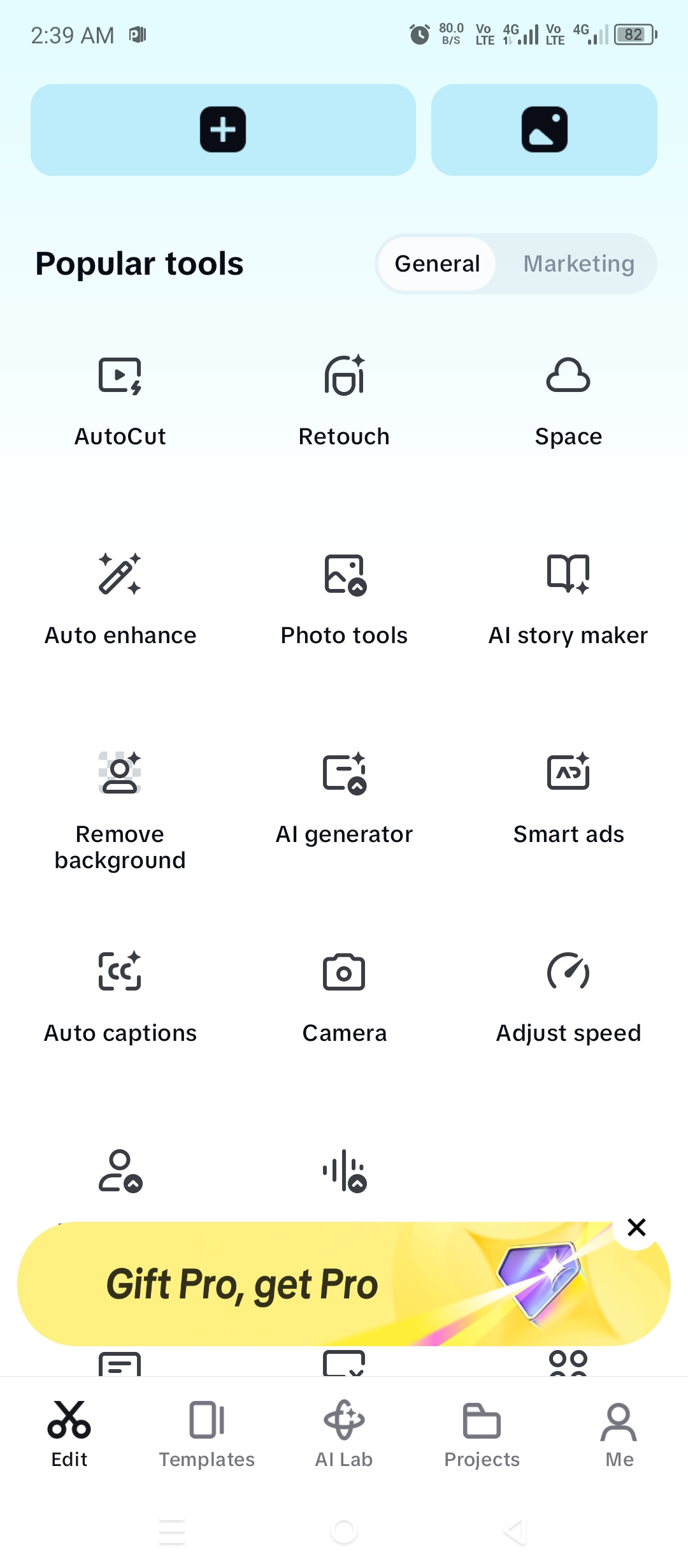
- One-Tap Templates: Don’t have time to edit? Just drop your photos into a “Trending Template” and let the app do the magic.
- Background Removal: No green screen? No problem. CapCut can remove your video background with a single tap using AI.
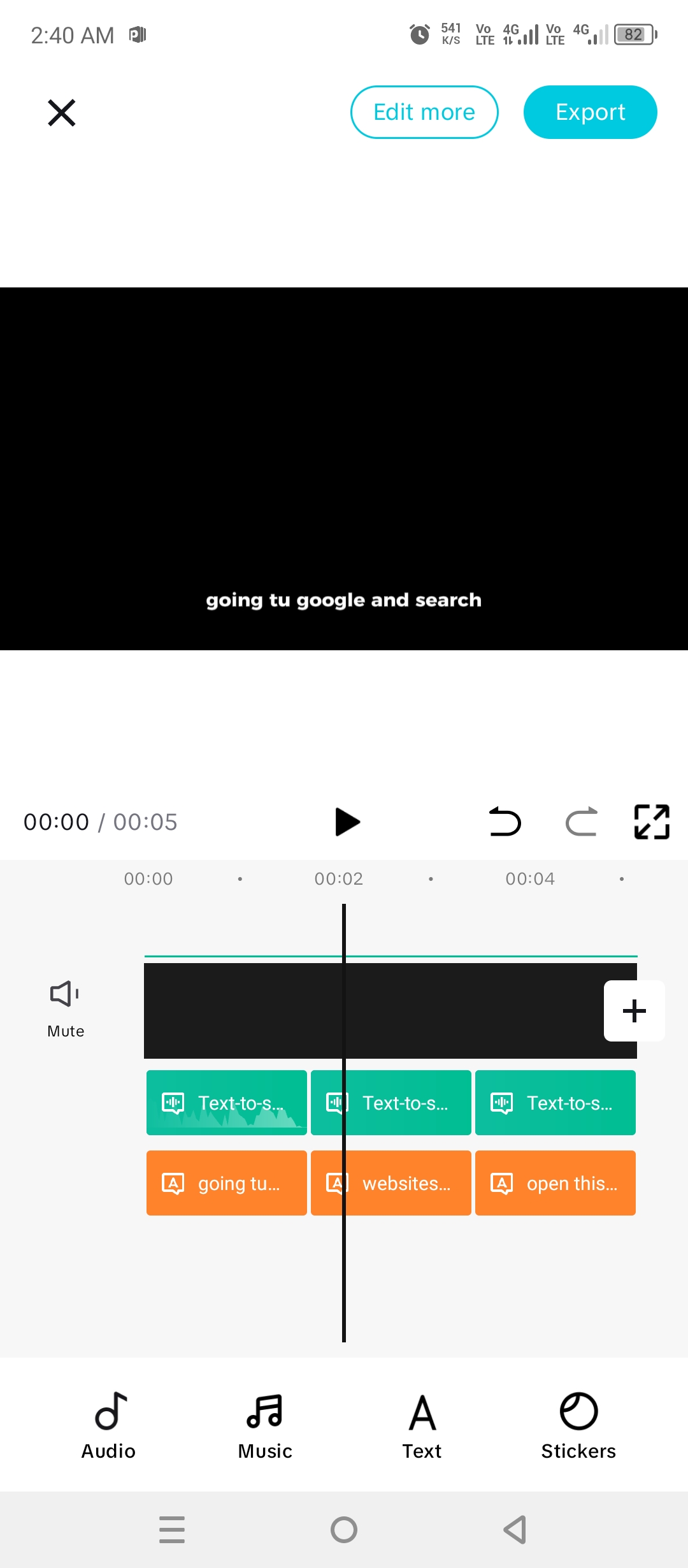
- Auto-Captions: It automatically converts your speech into text subtitles, saving you hours of typing.
- Smooth Slow Motion: Use the “Optical Flow” feature to make your slow-mo videos look buttery smooth.
- Advanced Keyframes: Move objects or zoom in/out with precision using keyframe animations.
Pros and Cons
Pros:
- Super easy user interface.
- No forced watermark (you can delete the end clip).
- High-quality export up to 4K.
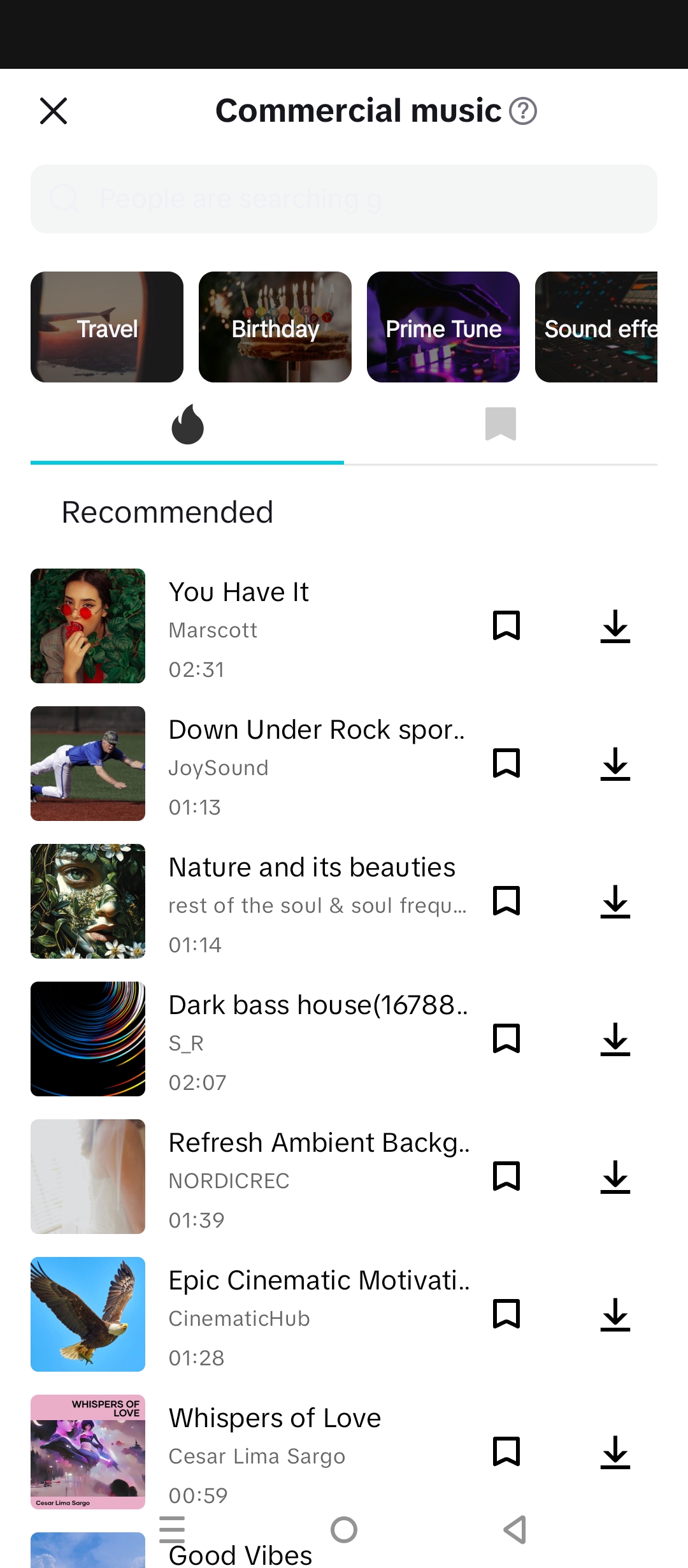
- Huge library of free sound effects and music.
Cons:
- Requires a stable internet connection for some effects.
- Can be heavy on battery for older mobile models.
How to Install and Use CapCut?
- Download: Head over to the Play Store link at the bottom of this page.
- Permissions: Open the app and allow access to your gallery.
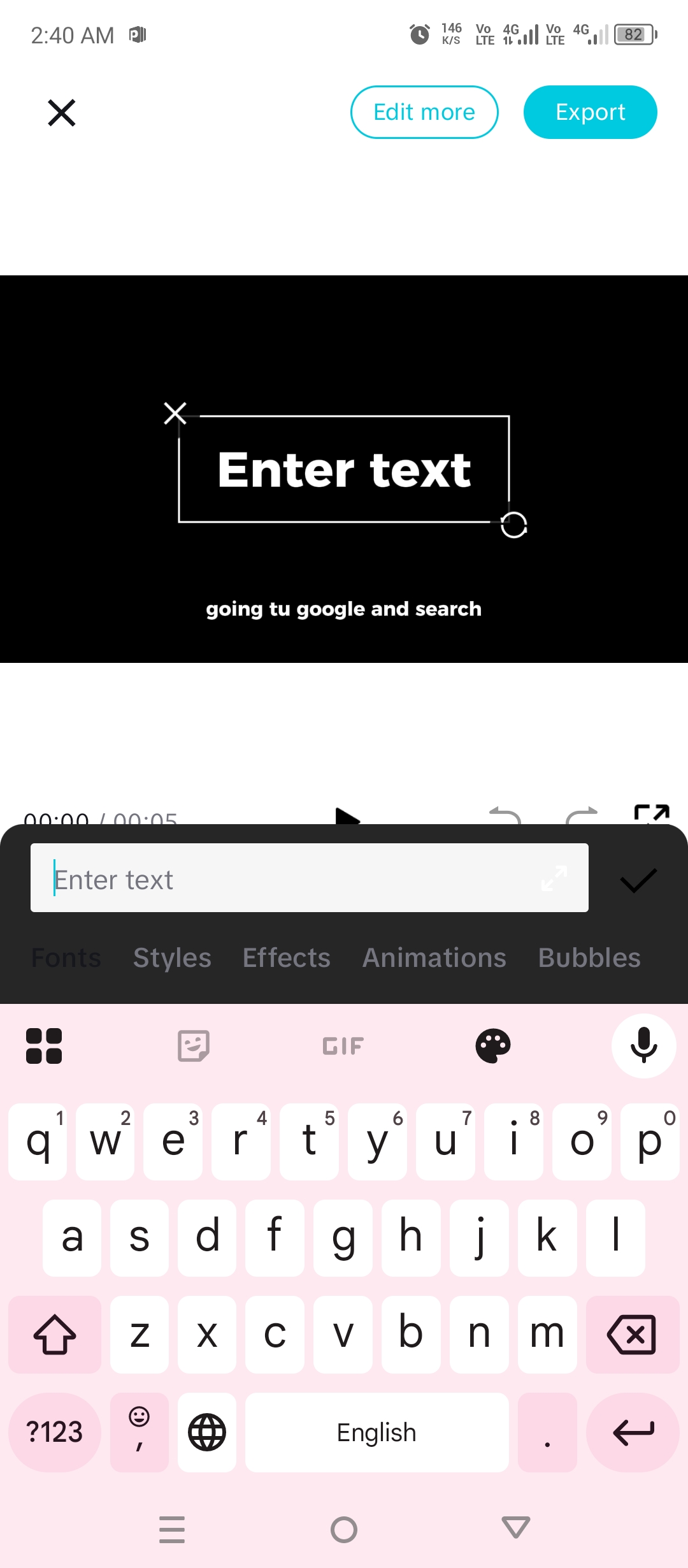
- Start Editing: Tap on “New Project” and select your clips.
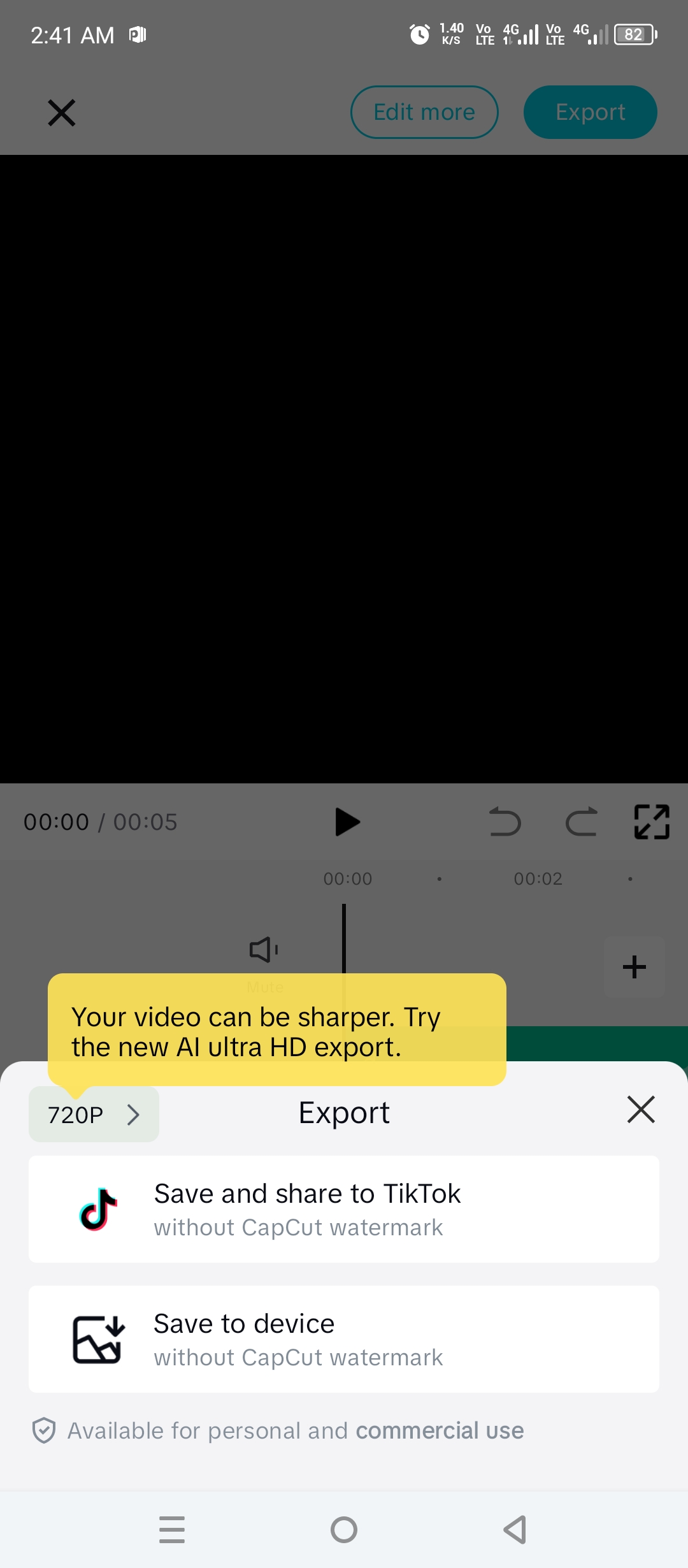
- Export: Once done, hit the arrow icon at the top right to save your video in 1080p or 4K.
Frequently Asked Questions (FAQs)
Q1: Is CapCut totally free?
Yes, the core features are free. There is a Pro version for some premium effects, but most users can do everything they need with the free version.
Q2: How do I remove the CapCut logo at the end?
Just scroll to the end of your timeline, select the “Ending” clip, and hit delete. It’s that simple!
Q3: Can I use it without internet?
You can do basic editing offline, but to download new effects, filters, or use the “Auto-caption” feature, you will need an active connection.
Final Verdict
If you are serious about social media, CapCut is a must-have. It’s fast, powerful, and doesn’t cost a penny for most features. Give it a try, and you’ll see why millions of creators prefer it over any other editor.